Installation and usage precautions for industrial embedded tablet computer all-in-one units
Product knowledge 2026-02-23
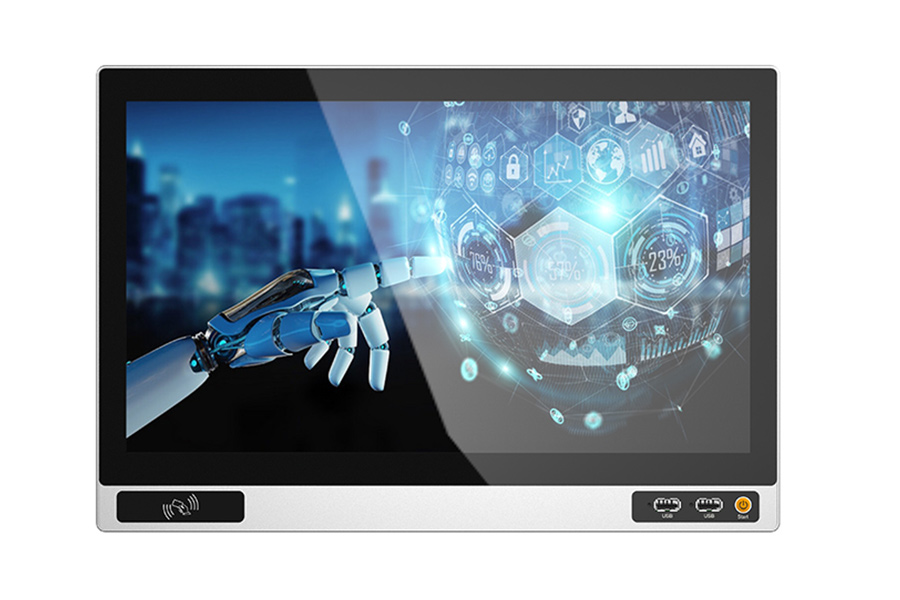
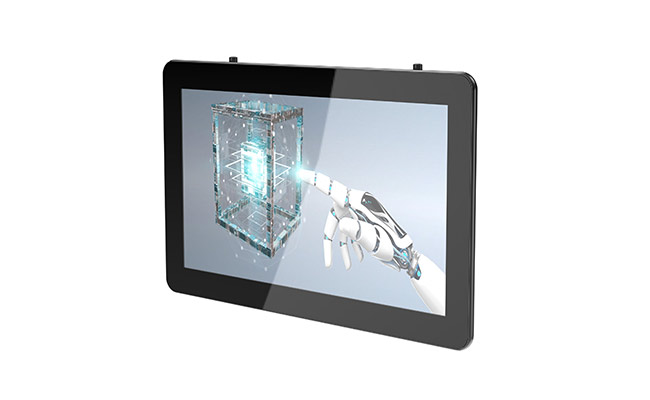
Embedded industrial tablet computers refer to the tablet computers that are installed in an embedded manner and applied in the industrial field. Some people are not familiar with these and do not know what the differences are from ordinary computers. Below, the editor of Jiawei Shi will give a simple introduction to the installation and usage of embedded industrial tablet computers for everyone.
I. Installation of Industrial Embedded Tablet Computer All-in-One Devices
Fasten the screws by screwing them into the various holes and make sure they are tightened properly.
- First, place the embedded industrial tablet computer body flat on a stable surface, and precisely insert the base into the body.
- The touchscreen should be cleaned frequently. If there is dust or dirt on the surface, it can be wiped with a towel or a soft cotton cloth. It is recommended to use a cleaning agent that is non-corrosive to glass.
- Before cleaning the screen of an embedded industrial tablet computer, you should first stop using the device and unplug the power plug to ensure that the device is powered off. Do not use the spray directly on the screen.
II. Usage Notes for Industrial Embedded Tablet PCs
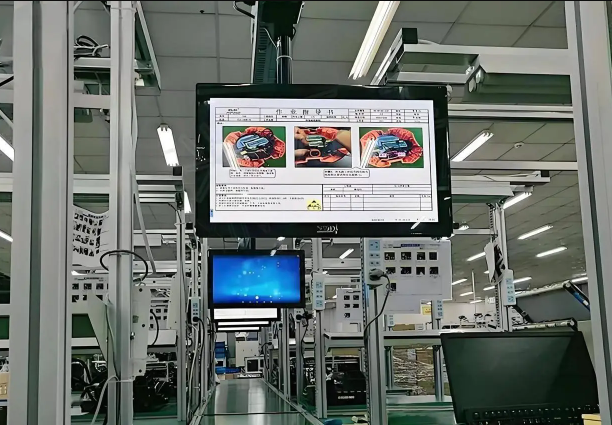
- Do not place the embedded industrial tablet computer equipment in a sealed area, or cover the device, block the ventilation holes of the device, to prevent the temperature inside the case from becoming too high and damaging the equipment during operation.
- Please only use the installation components and accessories specified by the manufacturer. Avoid stepping on or trapping the AC power cord, plugs, or power adapters.
- Before connecting the power supply, make sure that the main unit, monitor and touch screen are properly connected and error-free. Only then can you turn on the power.
- During thunderstorms or when the device is not in use for a long time, remove the power plug of this device. During transportation and use, try to avoid touching the LCD screen. Please do not squeeze the LCD screen forcefully, and do not let sharp objects or hard materials cut or damage the LCD screen to prevent damage to the screen.
- As most embedded industrial tablet computers are designed for use in public places, unstable voltage may cause damage to the equipment. It is recommended to use a stable mains power supply. Do not share the same power source with high-power devices such as elevators.
- Please do not attempt to disassemble or repair the embedded industrial tablet computer by yourself. This could lead to high-voltage electric shock or other dangers. All maintenance work should be carried out by professional maintenance personnel.
- Please place the embedded industrial tablet in a ventilated, dry environment that is free from direct sunlight. Do not expose the embedded industrial tablet to rain or moisture. Leave at least 250px of space around the device for heat dissipation to ensure normal operation. The continuous switching time should be no less than 10 seconds. When using it in swimming pools, bathrooms, or kitchen lighting environments, please pay extra attention.
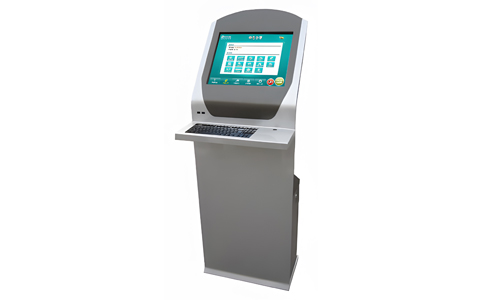
- From an entity perspective, it integrates a built-in touch screen frame, a large-sized LCD screen, a computer mainframe, and the accompanying teaching software into a single unit. Functionally speaking, it encompasses almost all the functions of teaching equipment. It can also be used in the commercial display industry for advertising playback, self-service inquiries, and other functions.
The above content covers the installation and usage precautions for embedded tablet computers. During the usage process, we must ensure to adopt the correct operation methods in order to better ensure the normal lifespan of the embedded industrial tablet computers. Please refer to the above methods for maintenance.