The causes and solutions for the malfunction of the touch function on industrial touchscreen all-in-one computers
Product knowledge 2026-02-21
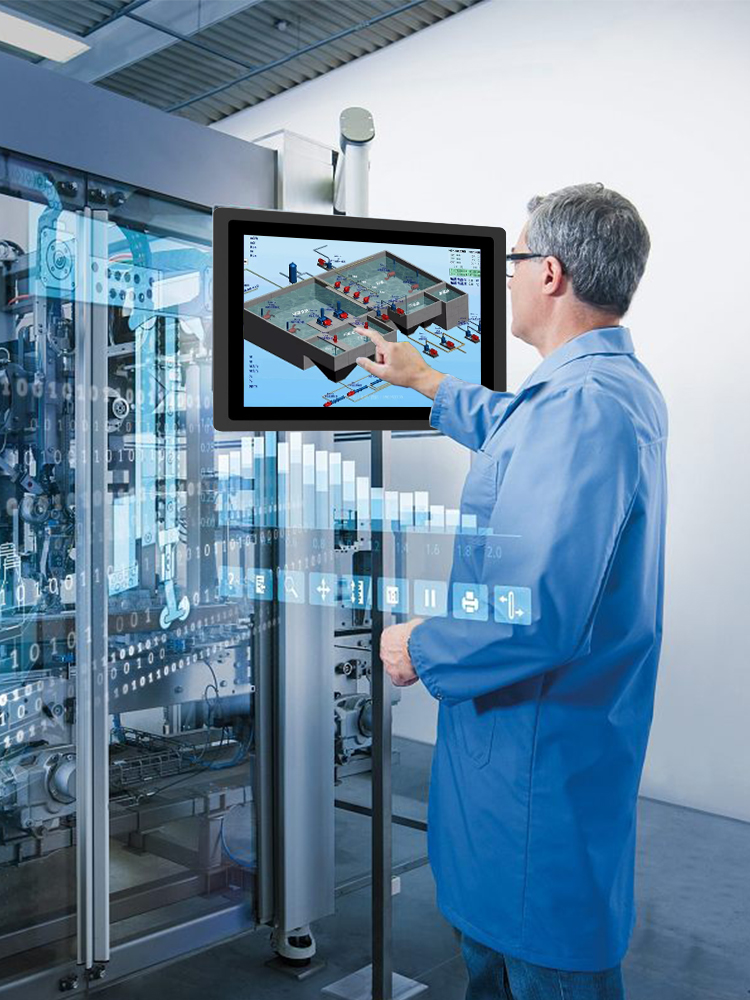
Industrial touch screens are a widely used input device in the field of industrial automation control. However, during operation, there may be situations where the touch function fails. Here are some common causes of industrial touch screen malfunctions and their solutions:
Touch screen surface dirtiness: The surface of a frequently used touch screen is prone to accumulate dust, dirt, oil stains, etc. If not cleaned regularly, it can lead to reduced sensitivity in touch operations or even loss of touch functionality. The solution is to clean the touch screen surface frequently. It is recommended to use professional cleaners and rags or sponges for cleaning, or to have professional maintenance engineers perform the cleaning and maintenance.
Problem with touchscreen driver: If the touchscreen driver is infected by viruses or accidentally deleted due to other reasons, it will cause the touch function to fail. The solution is to reinstall the driver or upgrade the operating system software to ensure the integrity and stability of the system and the driver.
Industrial touch screen malfunction, reasons for industrial touch screen malfunction, solutions for industrial touch screen malfunction, industrial touch screen.
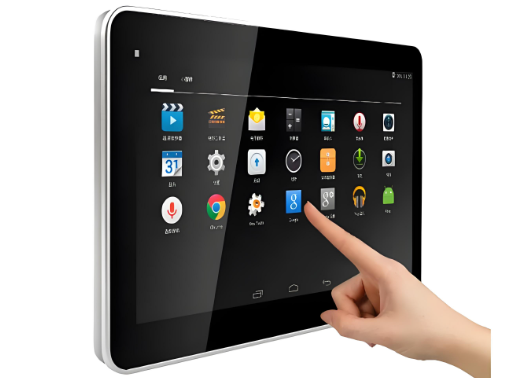
Touchscreen connection issue: The touchscreen is not properly connected to the computer mainframe, resulting in problems with the transmission of touch operation signals. The solution is to check whether the cables connecting the touchscreen and the mainframe are in good contact and stable. Ensure that the cables are not worn or damaged. If any abnormalities are found, replace the cables immediately.
Touch screen hardware failure: If the touch screen hardware malfunctions, it may cause the touch function to fail or result in screen artifacts, flickering, or other issues. The solution is to replace or repair the hardware components of the touch screen.
Environmental interference: There are electromagnetic interference and other factors in the surrounding environment of the touchscreen, which cause the touch signal to be affected and result in poor sensitivity or malfunction of the touch. The solution is to keep the touchscreen away from the interference source, or set up shielding grids or isolation plates around the touchscreen to reduce the impact of the interference.
In conclusion, the correct use and maintenance of industrial touch screens can reduce the occurrence of malfunctions and ensure the smooth progress of the production process. If a touch screen malfunctions is detected, it is necessary to promptly identify the fault and carry out repairs. It is recommended that such issues be handled and repaired by professional staff and manufacturers.